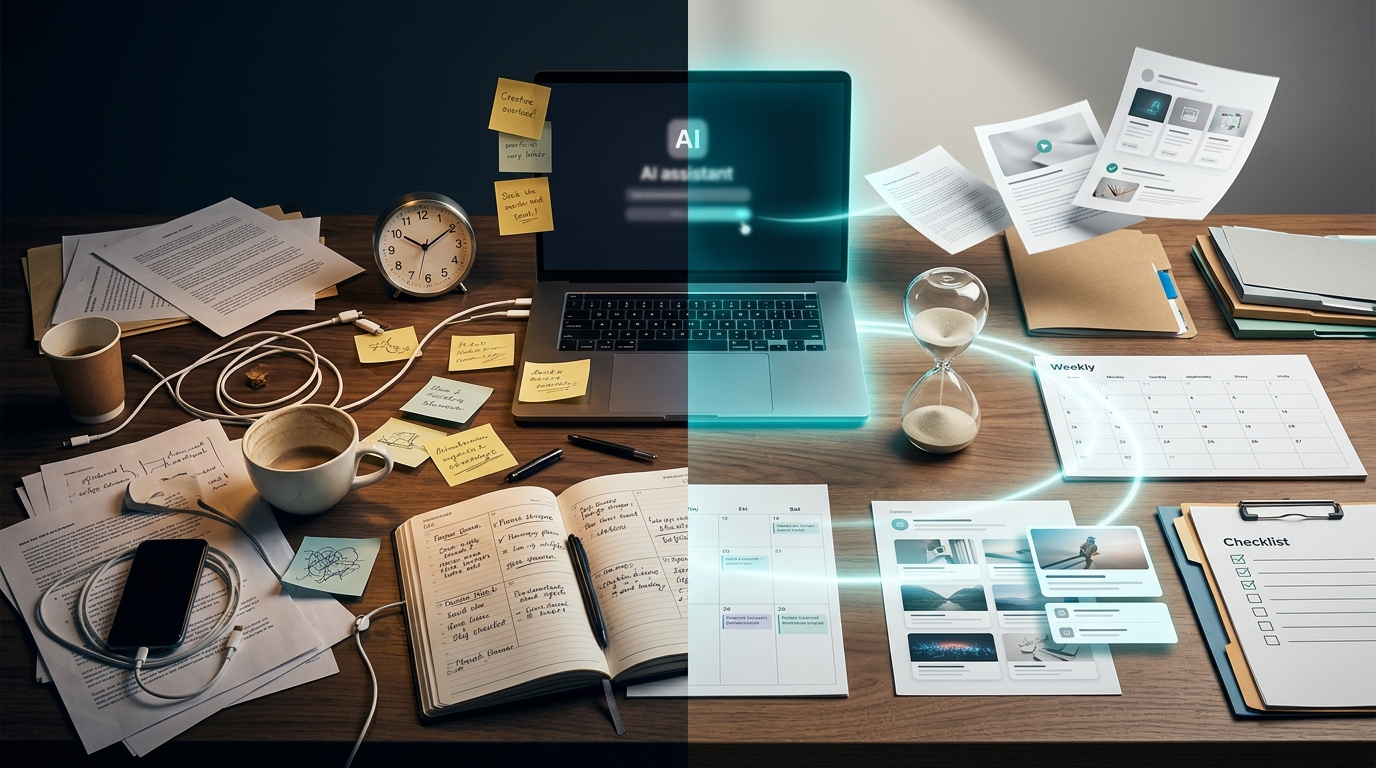
Many people are not tired because they are lazy.
They are tired because they are doing everything the slowest way possible.
They answer messages from scratch. They stare at blank pages. They rewrite the same type of email again and again. They spend too much time organizing ideas, planning content, creating captions, researching topics, preparing proposals, reviewing texts, building presentations, and trying to remember what needs to be done next.
Then they wonder why the day ends and the important work is still unfinished.
This is where artificial intelligence becomes interesting.
Not as magic.
Not as a replacement for talent.
Not as a button that solves your whole life.
But as a practical assistant that can help you work faster, think more clearly, and create more without feeling completely overloaded.
A few years ago, artificial intelligence felt distant, technical, and reserved for big companies. Today, AI tools are already part of the daily routine of freelancers, content creators, students, remote workers, small business owners, professionals, and people trying to build something online.
The real opportunity is not simply using AI because everyone is talking about it.
The real opportunity is learning how to use AI with strategy.
AI can help turn messy thoughts into organized plans. It can transform confusing drafts into clearer messages. It can help you create first versions faster. It can suggest ideas when you feel blocked. It can help you organize your week, prepare client communication, create content calendars, write outlines, summarize information, and improve your workflow.
But there is an important truth:
AI works best when you do not expect it to think for you.
It works best when you use it to think with you.
That difference changes everything.
AI Does Not Do Magic, But It Can Remove Friction
One of the biggest mistakes people make with AI is expecting it to solve everything alone.
It will not.
AI does not automatically understand your story, your audience, your goals, your tone, your priorities, or your personal way of working unless you guide it well.
If you give a vague command, you usually get a vague answer.
If you ask for something generic, you often receive something generic.
But when you give context, explain the objective, define the audience, describe the tone, and ask for a specific format, AI becomes much more useful.
The real power of AI is not only speed.
It is reduction of friction.
Friction is what makes work feel heavier than it needs to be.
The blank page is friction.
A messy idea is friction.
Not knowing where to start is friction.
Writing the same type of client message ten times is friction.
Trying to organize a complicated task in your head is friction.
Searching for the right words when you are tired is friction.
AI can reduce that.
Instead of spending one hour trying to create a title, you can ask for twenty options and choose the best direction.
Instead of starting a proposal from zero, you can ask for a structure and then customize it.
Instead of staring at the screen wondering what to post, you can ask for ideas based on your niche.
Instead of rewriting a confusing paragraph alone, you can ask AI to make it clearer.
This does not remove your work.
It removes the slowest part of starting.
And for many people, starting is the hardest part.
Why Working Faster Does Not Mean Rushing
There is a big difference between working faster and working carelessly.
Many people confuse speed with rushing.
Rushing means skipping thinking, ignoring quality, making mistakes, and delivering something weak because you want to finish quickly.
Working faster means removing unnecessary delays so you can spend more energy on what actually matters.
AI should not make your work sloppy.
It should make your process lighter.
For example, if you are writing an article, AI can help create an outline, suggest questions, organize sections, and generate a first draft. But you still need to review, improve, adjust the tone, remove weak parts, and make sure the final text is useful.
If you are creating social media content, AI can help generate topics, hooks, captions, and content calendars. But you still need to understand your audience and choose what fits your brand.
If you are preparing a client proposal, AI can help structure the document. But you still need to personalize it with real details about the client.
AI can speed up the first 60 percent of the work.
But the final quality depends on your judgment.
That is why the smartest way to use AI is not to replace your thinking.
It is to protect your thinking from repetitive tasks.
When AI handles the first draft, the list, the structure, or the rough idea, you have more mental energy for strategy, creativity, and decision-making.
Where AI Can Help in Your Work Routine
Artificial intelligence can support many parts of a professional routine.
It can help with planning, creation, editing, research, organization, communication, and decision-making.
A freelancer can use AI to create better proposals, organize service packages, prepare client messages, write follow-ups, create briefing questions, and plan project timelines.
A content creator can use AI to brainstorm video ideas, create scripts, write captions, repurpose long content into shorter formats, and plan posts for different platforms.
A small business owner can use AI to write product descriptions, prepare customer service responses, create promotional ideas, organize campaigns, and improve communication.
A student can use AI to create study summaries, organize notes, build study plans, and simplify complex topics.
A remote worker can use AI to plan the week, summarize meetings, draft emails, and organize tasks.
A beginner in the digital world can use AI to understand a topic, create a learning plan, and transform knowledge into action.
The best use cases usually fall into a few categories.
AI can help you think.
AI can help you write.
AI can help you organize.
AI can help you simplify.
AI can help you create.
AI can help you review.
The secret is knowing which task is slowing you down.
If writing slows you down, use AI for drafts and editing.
If planning slows you down, use AI for schedules and checklists.
If content ideas slow you down, use AI for brainstorming.
If client communication slows you down, use AI for message templates.
If learning slows you down, use AI to explain concepts in simpler language.
AI becomes more useful when it solves a real bottleneck.
The Secret Is Learning How to Ask Better
The quality of AI output depends heavily on the quality of your prompt.
A prompt is simply the instruction you give.
A weak prompt says:
“Write a text.”
A stronger prompt says:
“Write a friendly Instagram caption for beginner freelancers about productivity. Use simple language, a motivational tone, one practical tip, and a soft call to action at the end. Avoid sounding like an advertisement.”
The second prompt is better because it gives direction.
It explains the platform.
It explains the audience.
It explains the topic.
It explains the tone.
It explains the format.
It explains what to avoid.
AI needs context.
The more useful context you provide, the better the result usually becomes.
A good prompt often includes:
The task.
The audience.
The goal.
The tone.
The format.
The length.
The context.
The limits.
For example:
“I am a beginner freelancer offering social media design for small restaurants. Create a short, polite outreach message for Instagram. Make it specific, human, and not spammy.”
Or:
“I need to organize my week. I work from home, have three client projects, need time to create content, and want a realistic schedule with focus blocks and breaks.”
Or:
“Rewrite this paragraph in clearer English for a beginner audience. Keep the meaning, make it more natural, and avoid complicated words.”
These prompts are not complicated.
They are specific.
And specificity is one of the keys to using AI well.
Use AI to Think, Not Only to Copy
The worst way to use AI is to copy everything without thinking.
That creates generic work.
And people can feel generic work.
A better way is to use AI as a thinking partner.
You can ask for ideas and then choose the best ones.
You can ask for alternatives and compare them.
You can ask AI to explain a topic in different ways.
You can ask it to turn a messy idea into a structure.
You can ask it to find gaps in your plan.
You can ask it to simplify your message.
You can ask it to create a checklist so you do not forget steps.
In this process, AI gives possibilities.
You make decisions.
AI gives speed.
You add taste.
AI gives structure.
You add intention.
AI gives drafts.
You add judgment.
This is the combination that creates better results.
For example, if you need to create a blog article, do not only ask AI to write the article.
Ask it to help you understand the angle.
Ask it to list the questions your audience may have.
Ask it to suggest a structure.
Ask it to create a strong introduction.
Ask it to identify where the article may sound boring.
Ask it to improve clarity.
Then you shape the final version.
This approach makes AI much more powerful because you are not using it as a replacement.
You are using it as a creative assistant.
AI Helps People Who Work Alone
People who work alone carry a lot in their head.
A freelancer may need to create, sell, respond, organize, deliver, revise, invoice, learn, and promote their own work.
A creator may need to think of ideas, record, edit, write descriptions, post, answer comments, analyze results, and plan the next piece of content.
A small business owner may need to serve customers, manage operations, promote products, solve problems, and keep finances under control.
Working alone can become mentally exhausting.
AI can help by giving you a starting point.
That may sound simple, but it matters.
When you are tired, a blank page feels heavier.
When you are overwhelmed, a messy task feels impossible.
When you have too many ideas, choosing one can take longer than doing the work.
AI can help organize the first step.
You can ask:
“What should I do first?”
“How can I organize this idea?”
“How can I turn this into a checklist?”
“How can I explain this more simply?”
“How can I transform this long text into five content ideas?”
“How can I create a weekly plan for this project?”
These questions can reduce mental load.
AI does not eliminate effort.
But it can reduce the weight of figuring everything out alone.
And when work feels lighter, consistency becomes easier.
Use AI to Create More Content in Less Time
Content creation is one of the areas where AI can save a lot of time.
Many people know they need to publish content, but they get stuck on ideas.
What should I post?
What should the title be?
How should I start?
What should I say in the caption?
How can I turn this article into a video?
How can I create a carousel from this topic?
AI can help you turn one idea into many formats.
For example, one article can become:
A short video script.
A social media caption.
A carousel outline.
An email topic.
A list of quotes.
A checklist.
A YouTube description.
A Pinterest title.
A LinkedIn post.
A newsletter idea.
This is called repurposing.
It is one of the smartest ways to create more without starting from zero every time.
If you already wrote something useful, do not let it die after one post.
Use AI to help you transform it.
For example, you can ask:
“Turn this article into 10 short video ideas for beginners.”
“Create five Instagram carousel titles based on this topic.”
“Summarize this text into a simple newsletter.”
“Create three hooks for a TikTok video based on this idea.”
“Turn this long explanation into a checklist.”
This does not mean publishing low-quality content everywhere.
It means making your ideas work harder.
AI helps you multiply the formats.
You still choose the best ones.
Use AI to Organize Tasks and Priorities
Many people do not need more motivation.
They need a clearer plan.
AI can help organize tasks when everything feels urgent.
You can paste a messy list of things you need to do and ask AI to group them by priority, category, or deadline.
For example:
“Organize this task list into urgent, important, and later.”
Or:
“Create a realistic weekly schedule for these tasks.”
Or:
“Turn this project into a step-by-step checklist.”
Or:
“What should I do first if I only have two hours today?”
This can be surprisingly helpful.
When tasks stay in your head, they feel bigger.
When they become a list, they become more manageable.
AI can also help you create repeatable workflows.
For example, if you create content every week, you can ask AI to build a workflow:
Day 1: brainstorm.
Day 2: outline.
Day 3: create.
Day 4: edit.
Day 5: publish.
Day 6: repurpose.
Day 7: review.
The workflow can be adapted to your reality.
The goal is not to create a perfect productivity system.
The goal is to reduce confusion.
A simple plan you follow is better than a beautiful plan you ignore.
Use AI to Improve Writing and Communication
Good communication saves time.
Bad communication creates confusion, revisions, delays, and frustration.
AI can help improve writing in many situations.
You can use it to make a message clearer, shorter, warmer, more professional, more direct, or easier to understand.
This is useful for emails, proposals, social media captions, website copy, product descriptions, customer responses, client updates, and internal notes.
For example, you can write a messy message and ask:
“Make this message clearer and more professional, but keep it friendly.”
Or:
“Rewrite this in a shorter and more direct way.”
Or:
“Make this sound more confident without being aggressive.”
Or:
“Turn this explanation into simple language for beginners.”
This helps especially when you know what you want to say but cannot find the right words.
AI can also help when emotions are involved.
If a client asks for something outside the original agreement, you may feel irritated. Instead of responding quickly and badly, you can ask AI to help you write a polite boundary message.
This can protect your professional image.
However, always read before sending.
AI can sometimes sound too formal, too cold, or too generic.
Your final message should sound human.
Use AI to Break Creative Blocks
Creative blocks often happen because people expect the first idea to be good.
That creates pressure.
AI can reduce this pressure by creating many rough options quickly.
Need a title?
Ask for 20 options.
Need a content angle?
Ask for 10 angles.
Need a product idea?
Ask for 15 ideas for a specific audience.
Need a video hook?
Ask for 30 hooks and choose the best three.
The first answers may not be perfect.
That is fine.
The goal is not perfection.
The goal is movement.
Once you have options, your brain starts reacting.
You may think:
“This one is too boring.”
“This one is close.”
“This phrase is good.”
“This angle could work.”
“This idea is not right, but it gives me another idea.”
That reaction is useful.
AI gives you material to think with.
Creative work becomes easier when you are not starting from nothing.
You can also ask AI to challenge your idea.
For example:
“What is weak about this content idea?”
“What questions would a beginner have about this topic?”
“How can I make this more practical?”
“What would make this more interesting?”
This helps you improve before publishing.
Use AI Carefully With Important Information
AI is useful, but it can be wrong.
This is one of the most important rules.
AI can sometimes invent details, misunderstand context, or present uncertain information with confidence.
That is why you should be careful with important topics.
When dealing with finance, health, law, taxes, immigration, investments, contracts, technical instructions, safety, or anything high-stakes, you need to verify information.
AI can help explain, summarize, organize, and create questions.
But it should not be your only source of truth for critical decisions.
For example, AI can help you understand the difference between investment types in simple language.
But you should verify details before making financial decisions.
AI can help you prepare questions for an accountant.
But it should not replace professional tax advice.
AI can help summarize immigration requirements.
But you need to check official rules before making plans.
Using AI with maturity means enjoying the speed without abandoning responsibility.
Fast work is not useful if it is wrong.
Quality still matters.
How to Start Using AI in a Simple Way
If you are new to AI, do not try to use it for everything at once.
That can create more confusion.
Start with small tasks.
Ask AI to organize your day.
Then ask it to create content ideas.
Then ask it to revise a text.
Then ask it to create a simple checklist.
Then ask it to help with a proposal.
Then ask it to turn one idea into multiple formats.
As you practice, you will discover where AI saves the most time in your routine.
A simple beginner workflow could look like this:
Use AI to plan the week.
Use AI to brainstorm ideas.
Use AI to create outlines.
Use AI to write first drafts.
Use AI to improve clarity.
Use AI to create checklists.
Use AI to repurpose content.
Use AI to review before publishing.
You do not need a complex system.
You need a repeatable one.
The more you use AI for practical tasks, the better you become at giving instructions.
And the better your instructions, the better the results.
AI Does Not Replace Talent, But It Can Expand Capacity
Many people fear that artificial intelligence will replace human work.
That fear is understandable.
Some repetitive tasks are already being automated. Some workflows are changing quickly. Some skills need to evolve.
But in many cases, AI does not replace people who can think, adapt, communicate, create, and deliver value.
It replaces parts of slow processes.
It helps with first drafts, organization, summaries, ideas, formatting, and repetitive communication.
The human part remains essential.
You understand context.
You understand emotion.
You understand your audience.
You choose what matters.
You judge quality.
You build trust.
You make decisions.
AI can expand your capacity.
It can help one person do work that used to require more time or more support.
A freelancer can look more organized.
A creator can publish more consistently.
A small business owner can communicate better.
A student can study more clearly.
A remote worker can manage tasks more effectively.
But the advantage belongs to people who learn how to combine AI with judgment.
The future does not belong only to people who use AI.
It belongs to people who use AI intelligently.
Build Your Own AI Workflow
The most powerful way to use AI is to make it part of your workflow.
Do not use AI randomly only when you are desperate.
Create repeatable prompts and processes.
For example, if you write content, create a workflow like this:
Brainstorm 20 ideas.
Choose one angle.
Create an outline.
Write the first draft.
Improve the introduction.
Add examples.
Simplify language.
Create title options.
Create meta description.
Create social media captions.
Review for clarity.
If you work with clients, create another workflow:
Understand the client.
Create a briefing.
Prepare questions.
Draft a proposal.
Create a timeline.
Organize deliverables.
Write follow-up messages.
Prepare delivery notes.
Request feedback.
If you manage your own business, create another workflow:
Plan weekly priorities.
Organize tasks.
Create content ideas.
Prepare customer responses.
Review offers.
Track improvements.
Document processes.
This is how AI becomes more than a tool.
It becomes part of your system.
A system saves time because you do not need to reinvent the process every day.
Final Thoughts
Artificial intelligence can be one of the most useful allies for people who work online, create content, freelance, study, manage projects, or build digital businesses.
It can help you save time, organize ideas, improve communication, plan tasks, create content, review texts, prepare proposals, and turn messy thoughts into clear steps.
But the real advantage is not simply using AI.
The real advantage is using AI with strategy.
AI can open the path, but you still choose the direction.
It can suggest ideas, but you decide what is useful.
It can create drafts, but you improve the final result.
It can accelerate the process, but quality still depends on your judgment.
Working faster does not mean doing everything in a rush.
It means using better tools, better prompts, and better systems so you can reduce unnecessary friction and focus on what creates real value.
AI is not only about producing more.
It is about working with more clarity.
More structure.
More focus.
More intelligence.
And when you learn to use it that way, your work becomes lighter, faster, and much more intentional.














Post Comment